
Metacognition research
Inspired and backed by research into metacognition, MetaPractice helps students practice teacher-assigned goals efficiently. It is designed by a piano instructor especially for music teachers.

For music teachers and their students
MetaPractice is the only teaching app that isn’t just assignment-oriented — it is goal-oriented. Assign and evaluate goals for your private students, and let your students practice them one at a time.
No credit card needed. Create your free trial account right inside the app.

Organize your students, create lessons, assign goals, evaluate progress, and much more.

The companion app for students: practice assignments goal by goal, with tools to plan, track and assess your practice.
After you have a free trial account, use the website subscription button instead of subscribing from within the app, and you’ll save 7% — forever.
What’s inside
Goal by goal — see everything MetaPractice does. Watch the tutorial videos →
Inspired and backed by research into metacognition, MetaPractice helps students practice teacher-assigned goals efficiently. It is designed by a piano instructor especially for music teachers.
Use categories, subcategories and goals any way you wish to achieve limitless organization in student goalbooks, whether you're a private instructor (piano, dance, magic, or tennis...), an athletic trainer, physical therapist, or life coach.
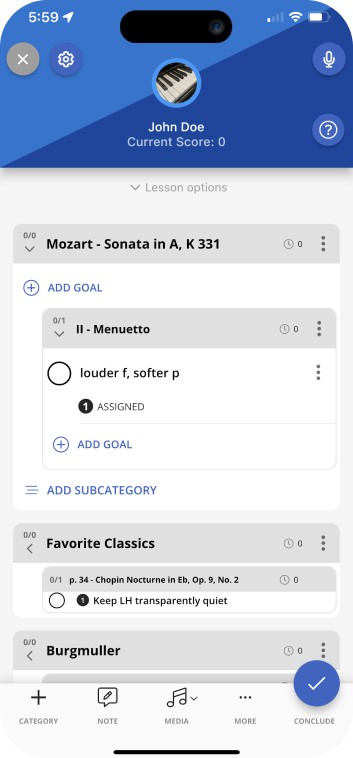
Teachers can use Templates to automate the notation of categories, subcategories and goals that are commonly assigned. For example, if a teacher's beginners tend to have the same books, page numbers and goals assigned during their first lesson, the teacher can create and save a template that can later be loaded into a beginner's first lesson.
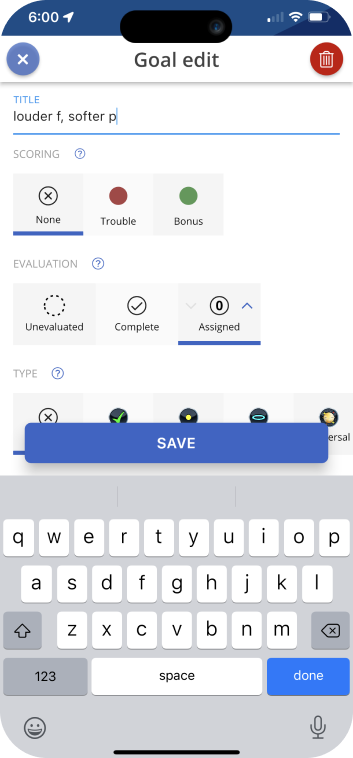
Add images, video, audio and PDFs to a student's practice routine. Add them as standalone items or attach them to any category, subcategory or goal. Organize your media with folders and subfolders if desired.
Use the Audio Scratchpad to quickly and easily make temporary audio recordings for immediate review during the lesson. Notate goals while recording or listening. There is no need to ever delete recordings: just push the record button, and the previous recording is automatically discarded. (To make permanent audio recordings, use the media library.)
Teachers can designate each goal they assign as one of several goal types, which changes how MetaPractice prompts a student to practice if Goal Guidance is enabled for that student.
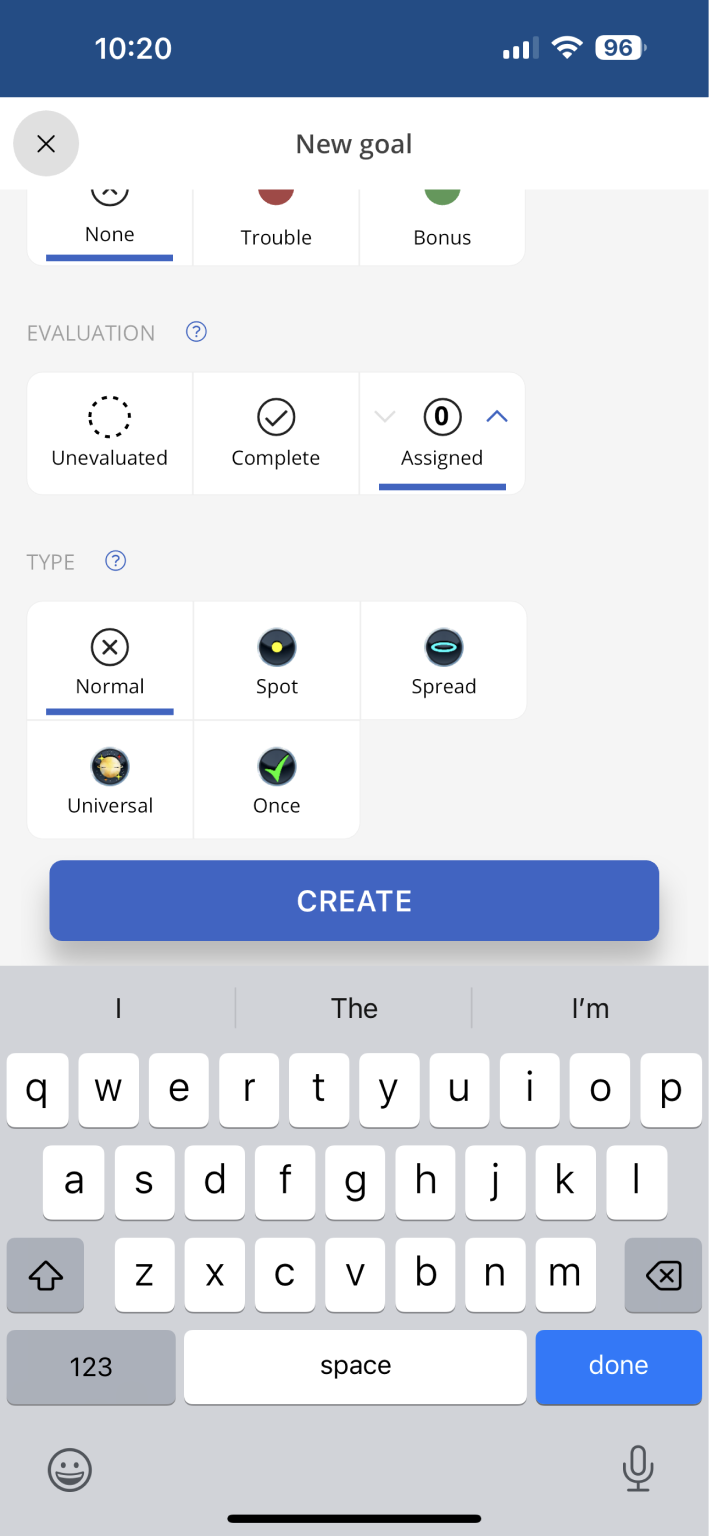
MetaPractice helps teachers remember a student's previously completed goals for each piece in case the student lapses on any of them. Each time a teacher types a new goal, MetaPractice continually matches what is typed with all previously completed goals.
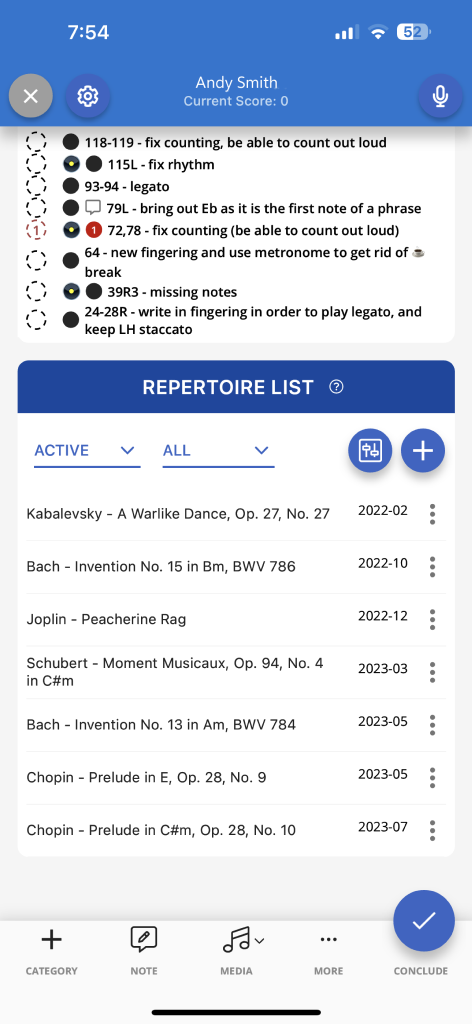
Teachers can add, edit, archive and remove pieces from a student's repertoire list of completed pieces. Teachers can have MetaPractice prompt students to play (for fun) any number of random pieces from the repertoire list every day, week, biweekly or monthly. Pieces can be dragged back into the goalbook when recitals, festivals and competitions approach.
When teachers evaluate goals, they can designate a "Trouble" goal for any goal the student did not complete, prompting the student to reevaluate their practicing strategy for that goal and resulting in tangible scores that show both students and teachers the quality of the student's practicing. Trouble goal penalty points can be canceled out by completed bonus goals or completed pieces.
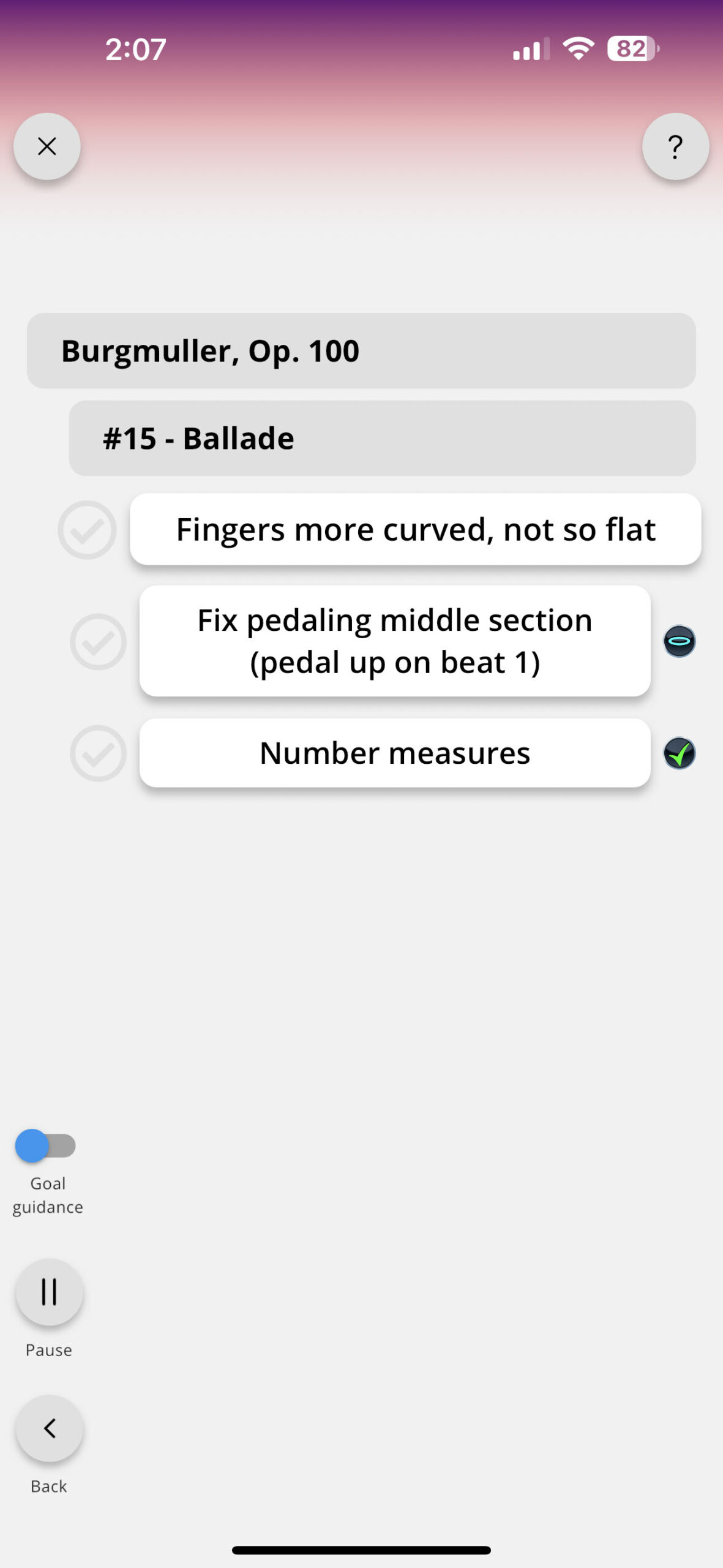
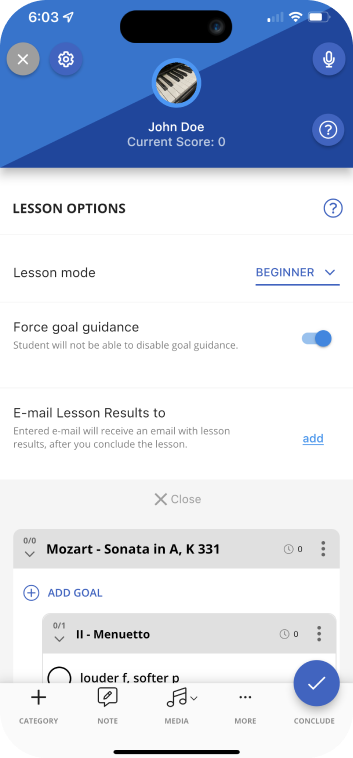
Teachers can set each student to Beginner, Skilled or Advanced mode depending on how skilled the student is at practicing. This affects how many goals the student sees at a time and how much control a student has over the order of practicing goals and pieces.
Now on the web
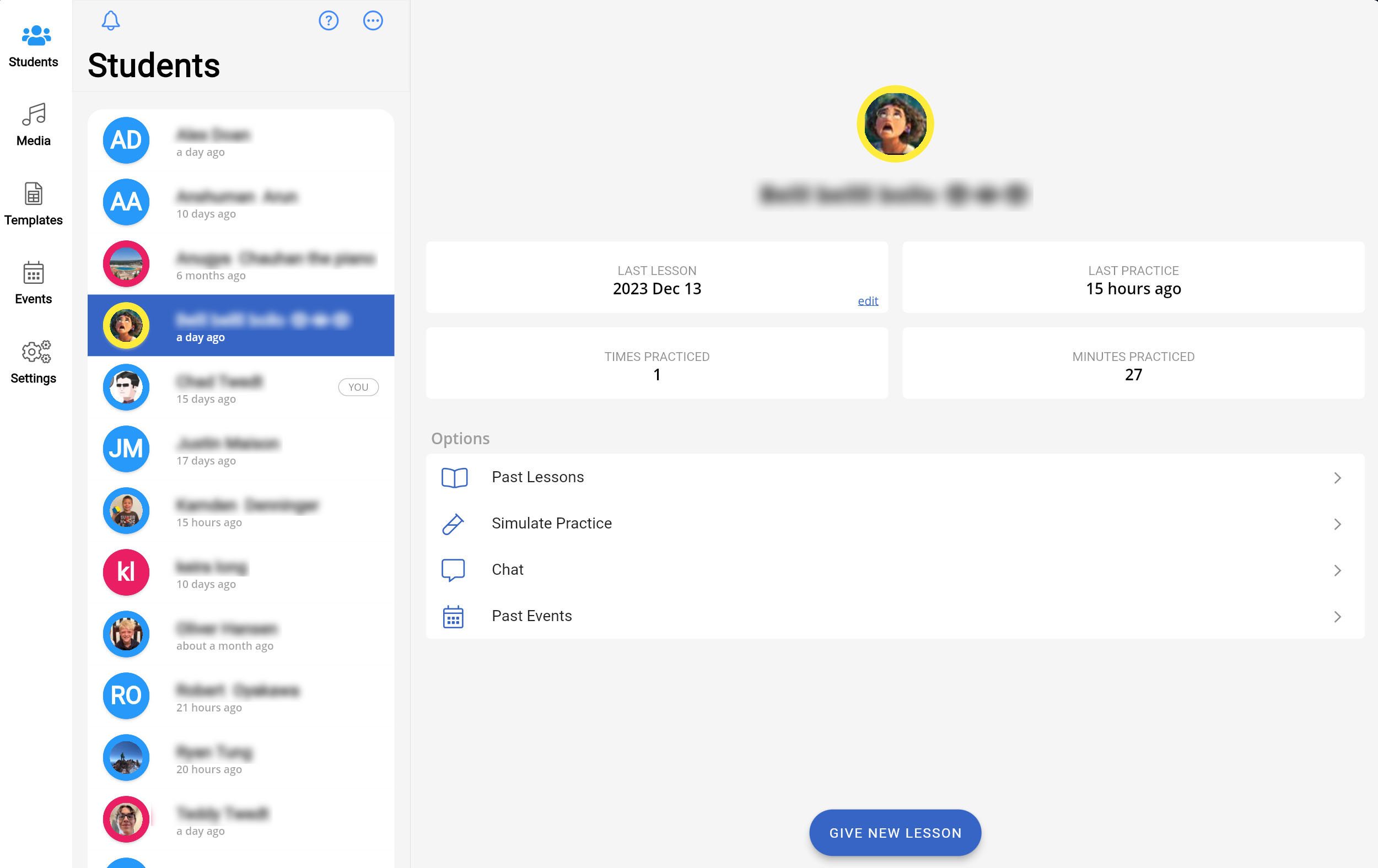
The teacher and student apps now run in your browser, so you can use MetaPractice on PCs, Macs, iPads and Android devices — no install required.
See how MetaPractice stacks up against other practice apps — pricing and features side by side.
Compare features