Many of these videos also appear inside the app, in pop-ups that educate first-time users and in the in-app Help. Prefer a playlist? Watch them all on YouTube.
For Teachers
 Introduction4:36
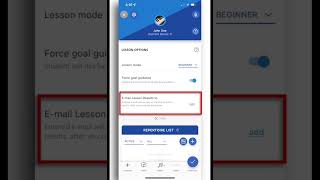 Connecting, simulating, emailing, editing and disconnecting
Since the making of this video, account management has changed. Teachers now create accounts for students and send them login information (and reset their password if the student forgets). There is no longer any need to "connect" to a student. Everything else in the video still applies. (4:24)
 Categories, subcategories & goals2:11
 Spot goals3:31
 Spread goals1:20
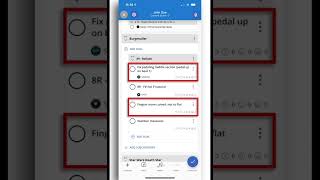 Universal goals1:42
 Once goals, reordering goals3:53
 Lesson Options: Beginner mode, skilled mode, advanced mode1:47
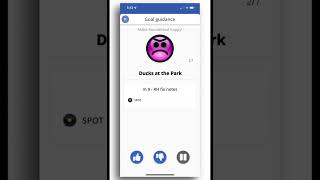
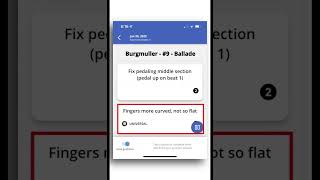
 Lesson Options: Goal Guidance3:18
 Evaluating goals (unevaluated, evaluated, reassigned) and Trouble goals4:59
 Bonus goals, badges, and empty categories / subcategories2:39
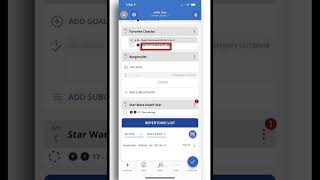 Completing pieces & using the repertoire list4:42
 Notes & Media2:55
 Audio scratch pad & flipping through the goalbook1:42
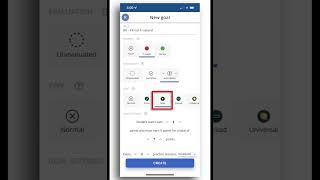 Goal memory2:14
 Templates3:04
 Goal sorting4:06